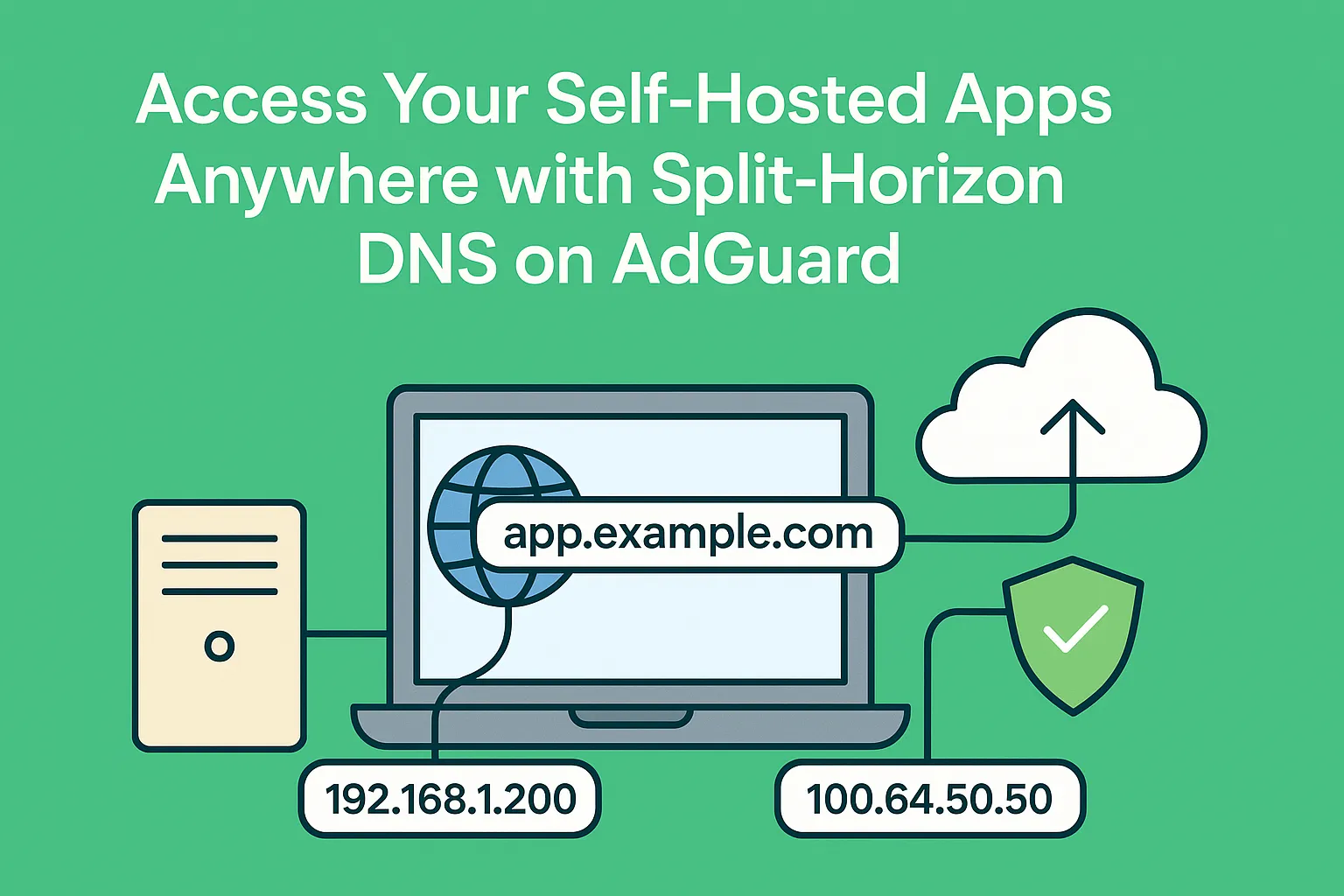
Split-Horizon DNS on AdGuard with One Domain and Two Networks
/ 2 min read
Table of Contents
Overview
When self-hosting services on a local area network while also accessing them remotely over a mesh VPN (such as Tailscale or WireGuard), routing single domain names cleanly presents a dual-address dilemma:
- On the local LAN, endpoints should resolve directly to local subnets (e.g.,
192.168.1.200) to avoid routing unneeded encrypted tunnel traffic across internal gigabit switches. - Outside the home over VPN, those same domain names must resolve to the host’s VPN interface (e.g.,
100.64.50.50), as private RFC 1918 subnets are unroutable from remote cellular networks.
Rather than maintaining two distinct DNS servers or manually toggling /etc/hosts entries (a limitation I previously worked around for container-only resolution using host-side dnsmasq on Docker’s bridge), I configured split-horizon DNS natively within AdGuard Home using client-subnet matching rules.
AdGuard Home Client-Subnet Rewrites
AdGuard Home’s custom filtering engine supports conditional DNS rewrites based on the client resolver’s IP or subnet CIDR (client= parameter).
In the AdGuard Home web dashboard under Filters -> Custom Filtering Rules:
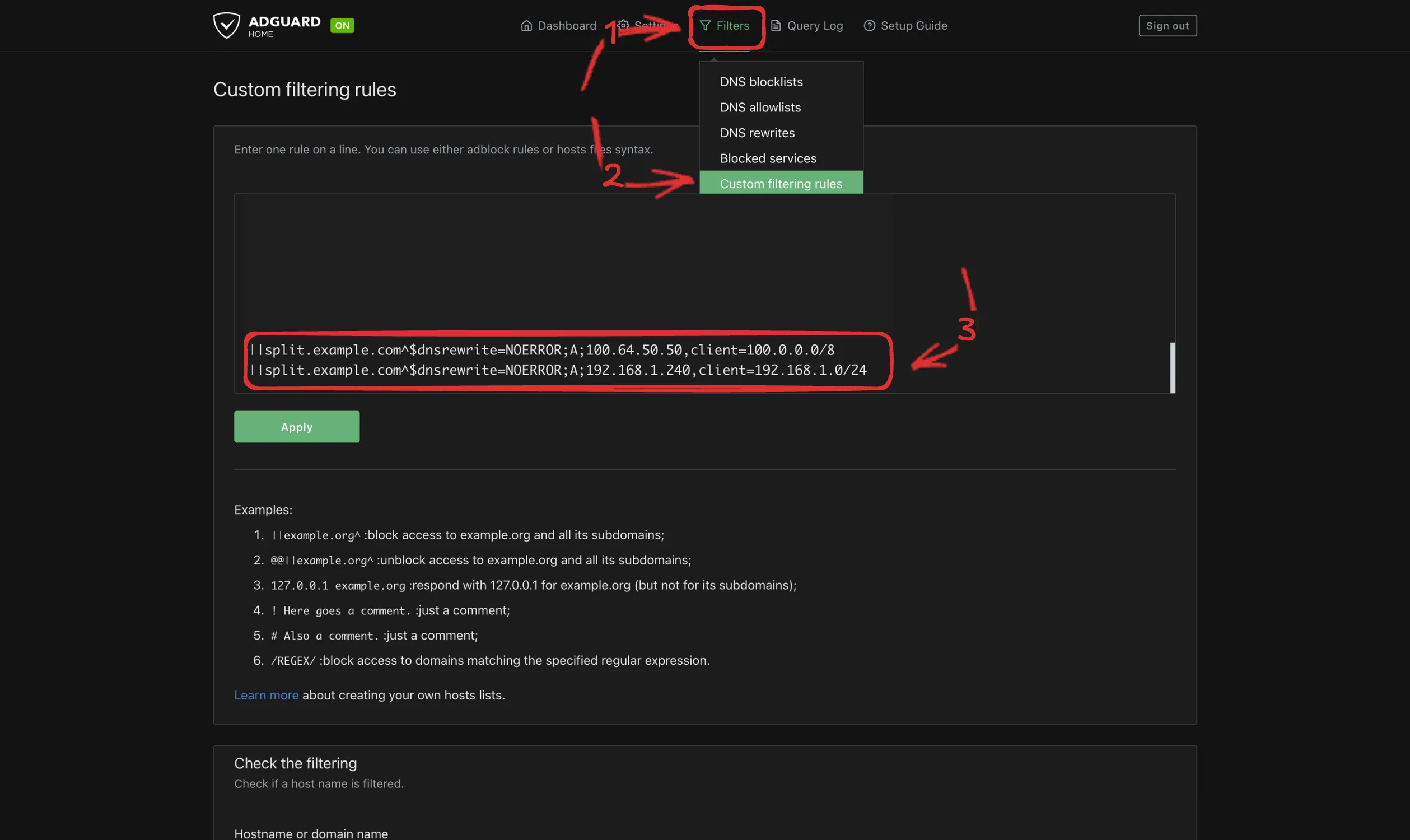
I added the following two rewrite rules:
||split.example.com^$dnsrewrite=NOERROR;A;100.64.50.50,client=100.0.0.0/8||split.example.com^$dnsrewrite=NOERROR;A;192.168.1.200,client=192.168.1.0/24- Rule 1: When the DNS request originates from the Tailscale Carrier-Grade NAT subnet (
100.64.0.0/10or broadly100.0.0.0/8), AdGuard responds with the node’s VPN IP (100.64.50.50). - Rule 2: When the request originates from the local home network subnet (
192.168.1.0/24), AdGuard returns the direct LAN IP (192.168.1.200).
Verifying Resolution
Testing resolution from both network contexts confirms that AdGuard inspects the client origin and returns the appropriate A record:
1. From the Local Home LAN
nslookup split.example.comServer: 192.168.1.235Address: 192.168.1.235#53
Non-authoritative answer:Name: split.example.comAddress: 192.168.1.2002. From Remote Tailscale VPN
nslookup split.example.comServer: 100.100.100.100Address: 100.100.100.100#53
Non-authoritative answer:Name: split.example.comAddress: 100.64.50.50This single-instance configuration provides seamless access to internal services using identical URLs regardless of whether client devices are connected to the home Wi-Fi or roaming over mobile data.